Help all students
First, decide which levels you might be able to help. Then go to Technician Questions, General Questions, and/or Extra Questions, and in each category you can help with, click the  and choose “Watching” in order to be notified every time something happens there.
Those categories only get new topics three times every four years when the pool questions are rotated; otherwise all the changes will be comments with questions or explanations.
If someone asks for help and you can help, jump in and reply to their comment!
If someone else helps and you have additional information or ways of explaining, jump in!
Help individuals study
Have you invited someone you know to use Open Ham Prep to study to get or upgrade their license, and you want to help them? You can follow all their posts.
Find their profile
If you see one of their posts, you can just click on their “Avatar” at the top right of each post to go straight to their profile.
Otherwise, you can search for their profile. Select “Users” in the side bar (which may be hidden behind the “More” menu item depending on the height of your browser window):
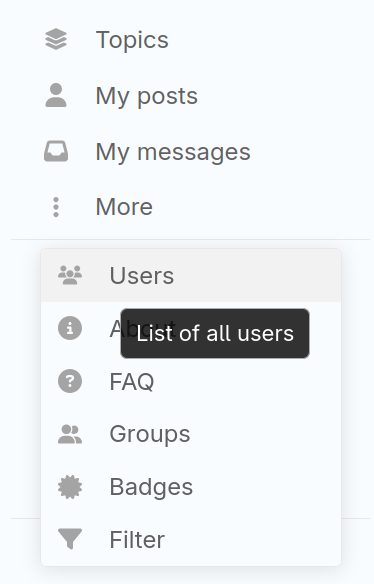
If you don’t see them in the default list of the previous week, you can search other time ranges, include All Time:

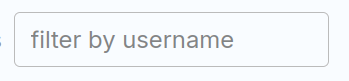
You can filter by their username, or part of their users name.
Follow them
Just click the Follow button at the upper right.
Who follows whom?
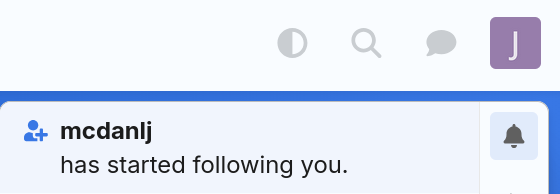
Follower relationships are not shown publicly. They are just there to help you be an Elmer. You can look at your own profile to see who you are following and who is following you. For example, if @mcdanlj follows @Joe_NoCall to see his questions and help answer, Joe NoCall will get a notification:
and in his profile, he will see:
Joe will be notified whenever @mcdanlj (or anyone else) responds to his posts.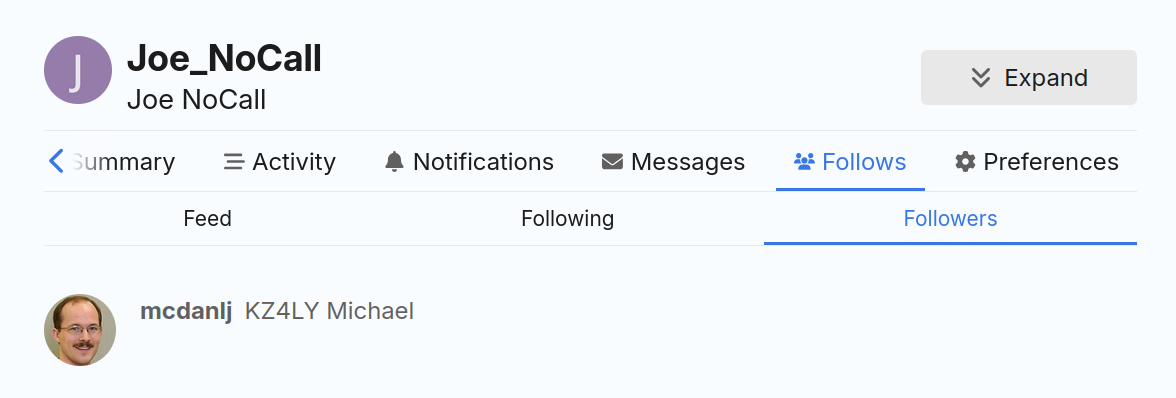
Joe might also choose to follow everything @mcdanlj posts:
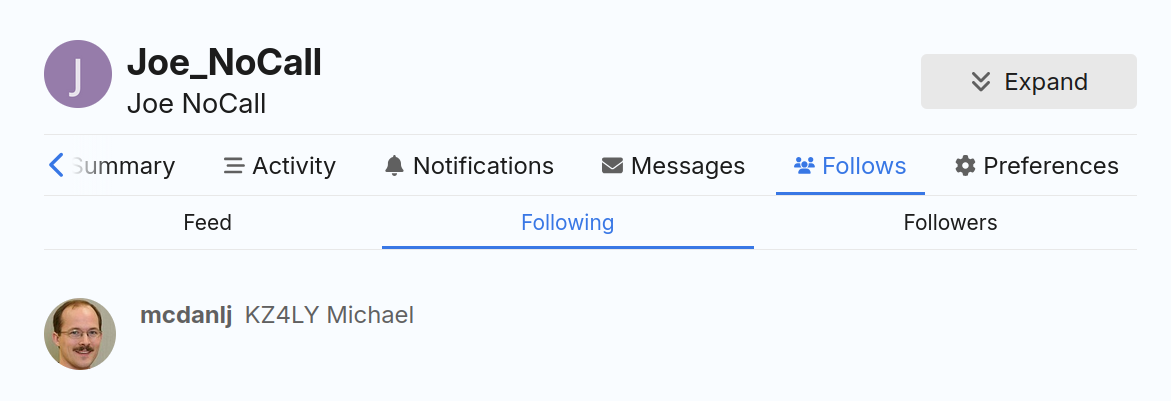
The “Feed” is a list of all posts (new topics or comments) by anyone you are following.